Turn finished features into Cursor rules
for the past week I've worked 10x slower so that for the next month I can work 100x faster
whenever you finish a big feature, create a cursor rule with the content below and tag it @cursor-rules.mdc with the agent to ask it to create the rule for you
it'll document the entire thing, tag other files that the agent might need, and vastly speed up your ability to dev new features later
cursor-rules.mdc:
---
description: This rule explains exactly how to structure new Cursor rules and where to add them
globs:
alwaysApply: false
---
# Creating new Cursor rules
This rule explains exactly how to create new Cursor rules for this project.
## Cursor rules location
Always place rule files in PROJECT_ROOT/.cursor/rules/:
.cursor/rules/
├── your-rule-name.mdc
├── another-rule.mdc
└── ...
The directory structure should look like this:
PROJECT_ROOT/
├── .cursor/
│ └── rules/
│ ├── your-rule-name.mdc
│ └── ...
└── ...
IMPORTANT: never place rule files in any location outside of `.cursor/rules`
## Cursor rule conventions
- Follow the below naming convention:
- Use kebab-case for filenames
- Always use .mdc extension
- Make names descriptive of the rule's purpose
- You can link to other files in the project using Markdown link prefixed with mdc: (Example: `[app/Services](mdc:app/Services)/SeoService.php`)
- Only ever link directly to a file and not a directory
## Cursor rules file structure
Cursor rules are in the format of MDC (.mdc) which is like a regular Markdown file with frontmatter context. Below is an example:
---
description: <Short description of the rule's purpose (used by agents if no globs are provided)>
globs: <optional comma separated list of /path/pattern/**/* or blank for agent to request based on description>
alwaysApply: true/false (default to false unless otherwise instructed)
---
# Rule Title

Main content explaining the rule with markdown formatting.

1. Step-by-step instructions
2. Code examples
3. Guidelines
Full rule example:
---
description: This rule explains how to work with AI APIs like OpenAI and Anthropic
globs:
alwaysApply: false
---
# How to handle AI integrations

Whenever you use this rule, start your message with the following:

"Analysing AI integrations..."

- This project integrates with Anthropic and OpenAI via dedicated client classes located in [app/Clients](mdc:app/Clients).
- Service classes, potentially found in [app/Services](mdc:app/Services), may abstract interactions with these clients.
- Ensure necessary API keys and configuration are present in the `.env` file (refer to `.env.example`).
- Follow existing patterns within the client or service classes for making API calls.
- Implement consistent error handling for API failures.
</rule>
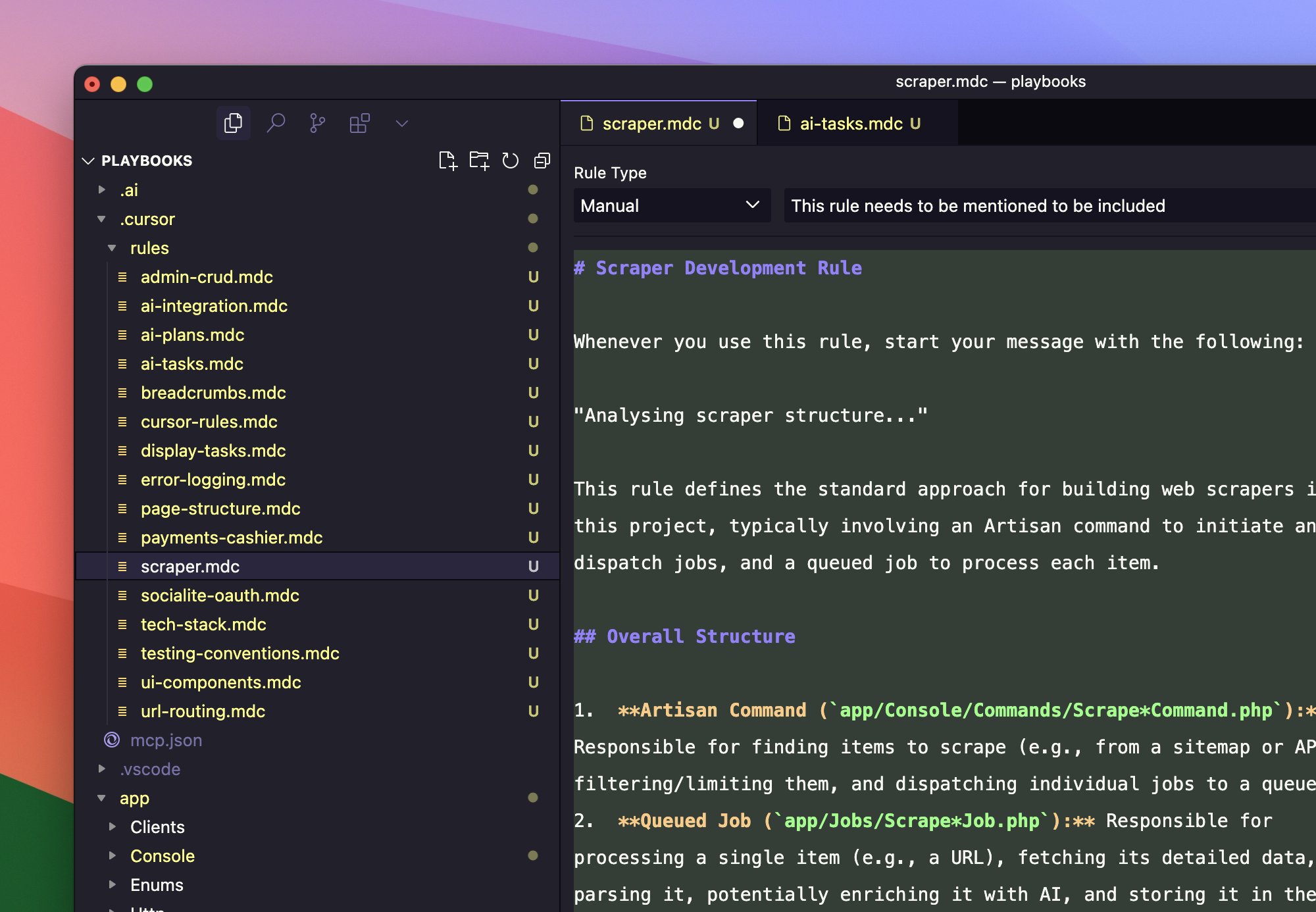
gist of the rules to avoid confusion
https://gist.github.com/iannuttall/f2dcfc005404b4ecb18b055f0290b961