Create images from a dataset with Canva
Canva is great for quickly generating programmatic images from a dataset. 🏞️
Here's how you can do it:
1/ It all starts with your data source
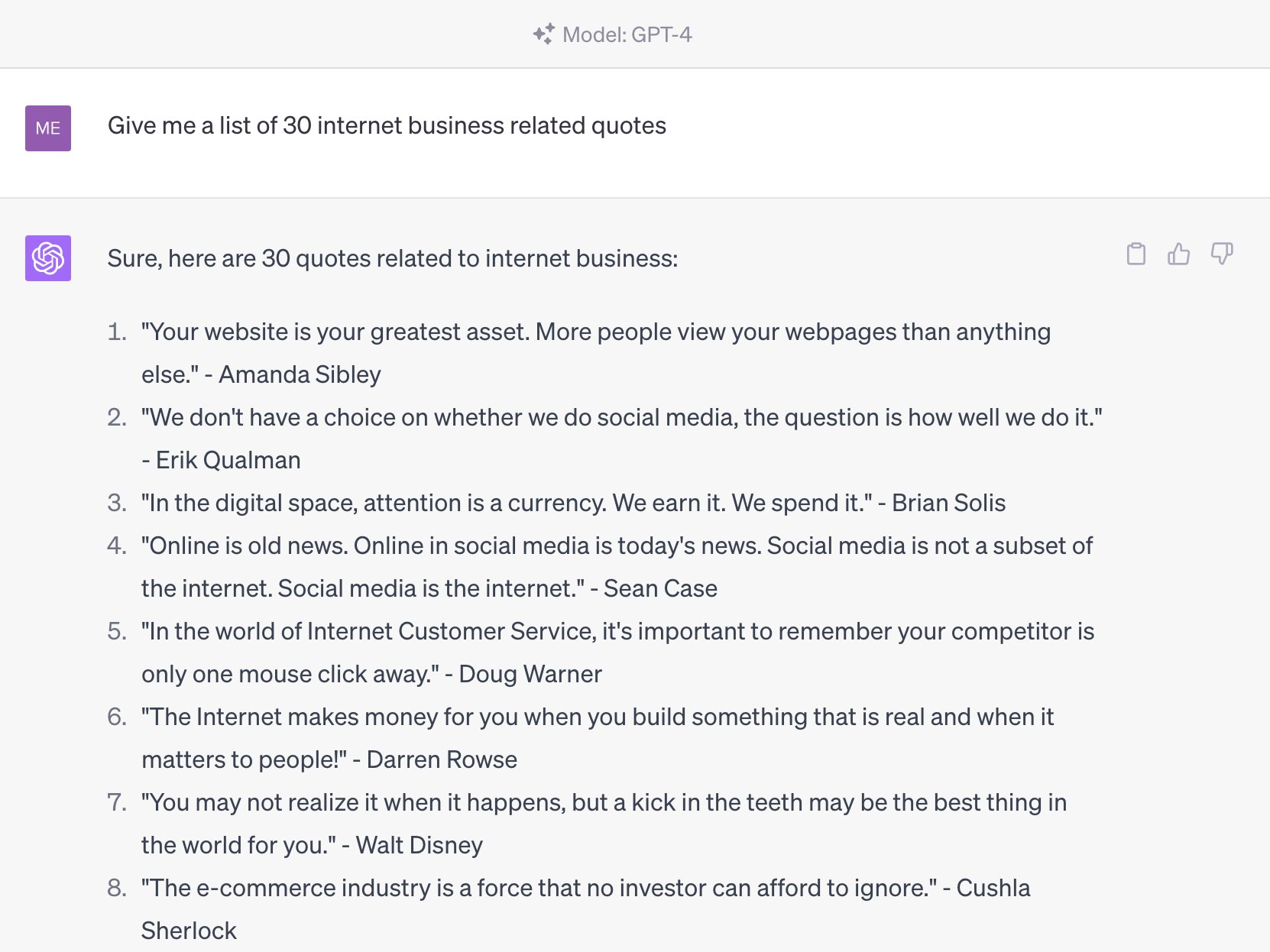
For this example, I asked ChatGPT to spin up a list of internet business quotes. With a quick copy/paste to Google Sheets you can export a CSV.
2/ Find a Canva template
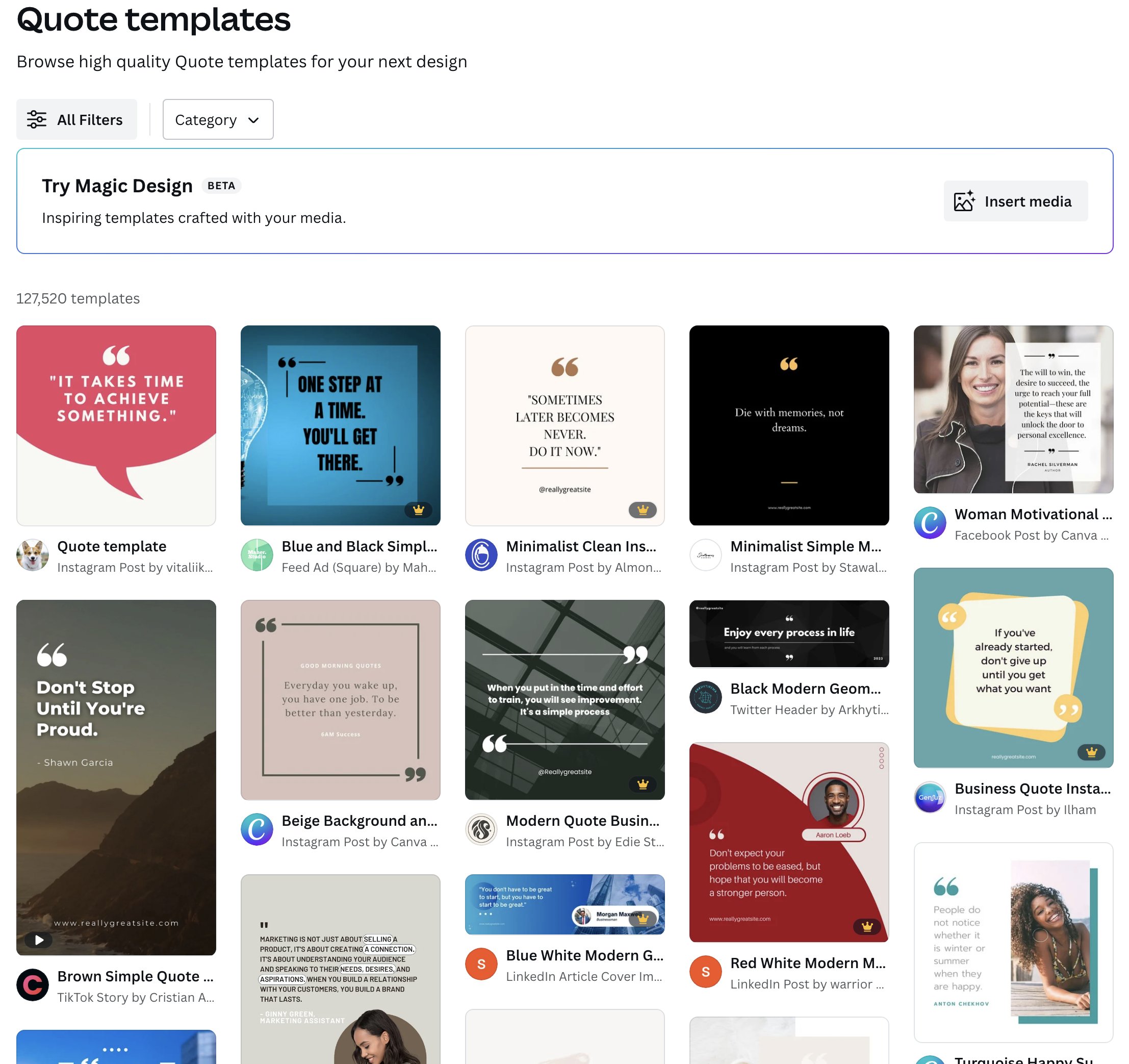
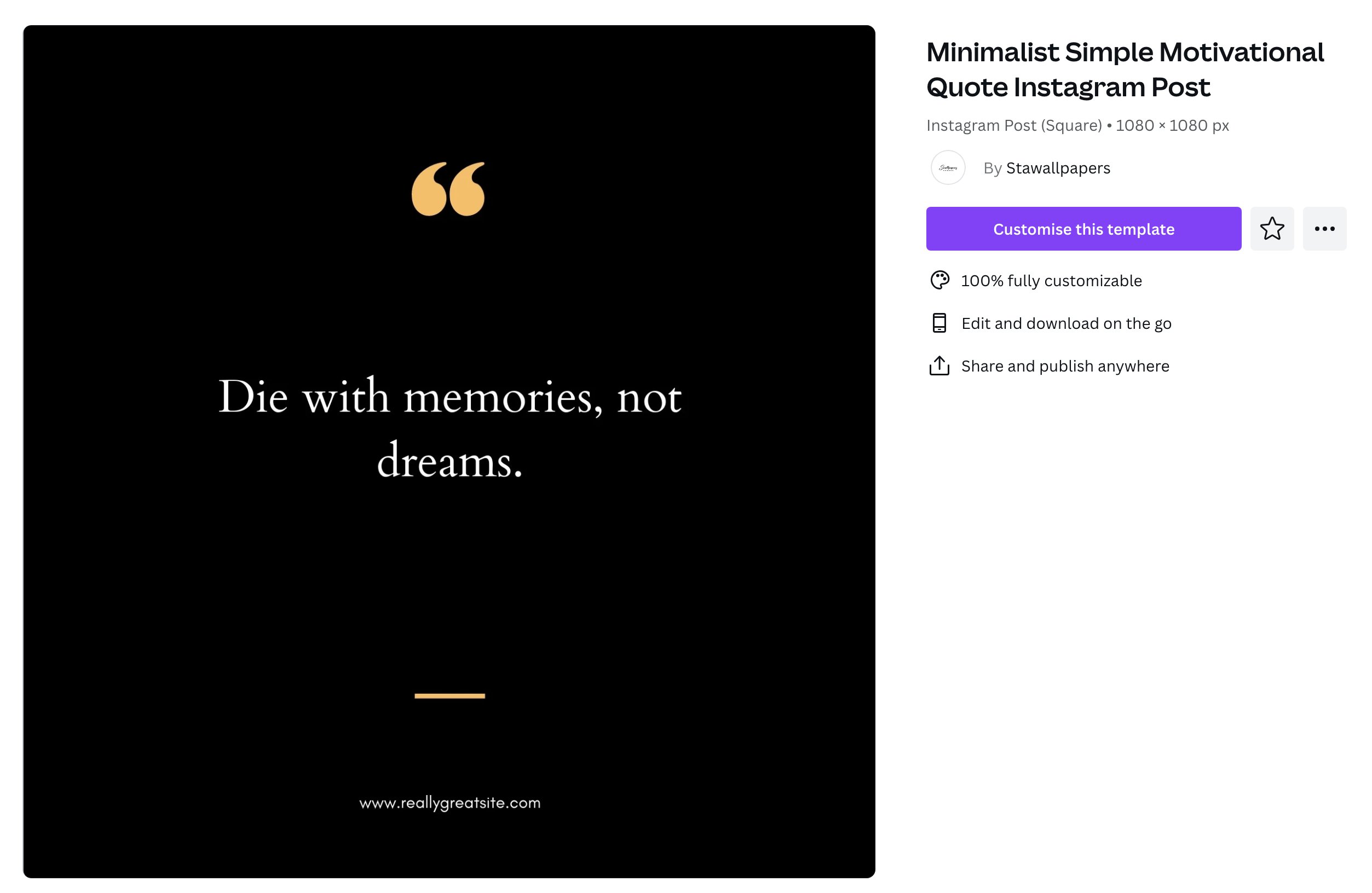
Pick a template that matches your brand or create your own. I'm going with this simple and minimalist one.
3/ Upload the CSV to Canva
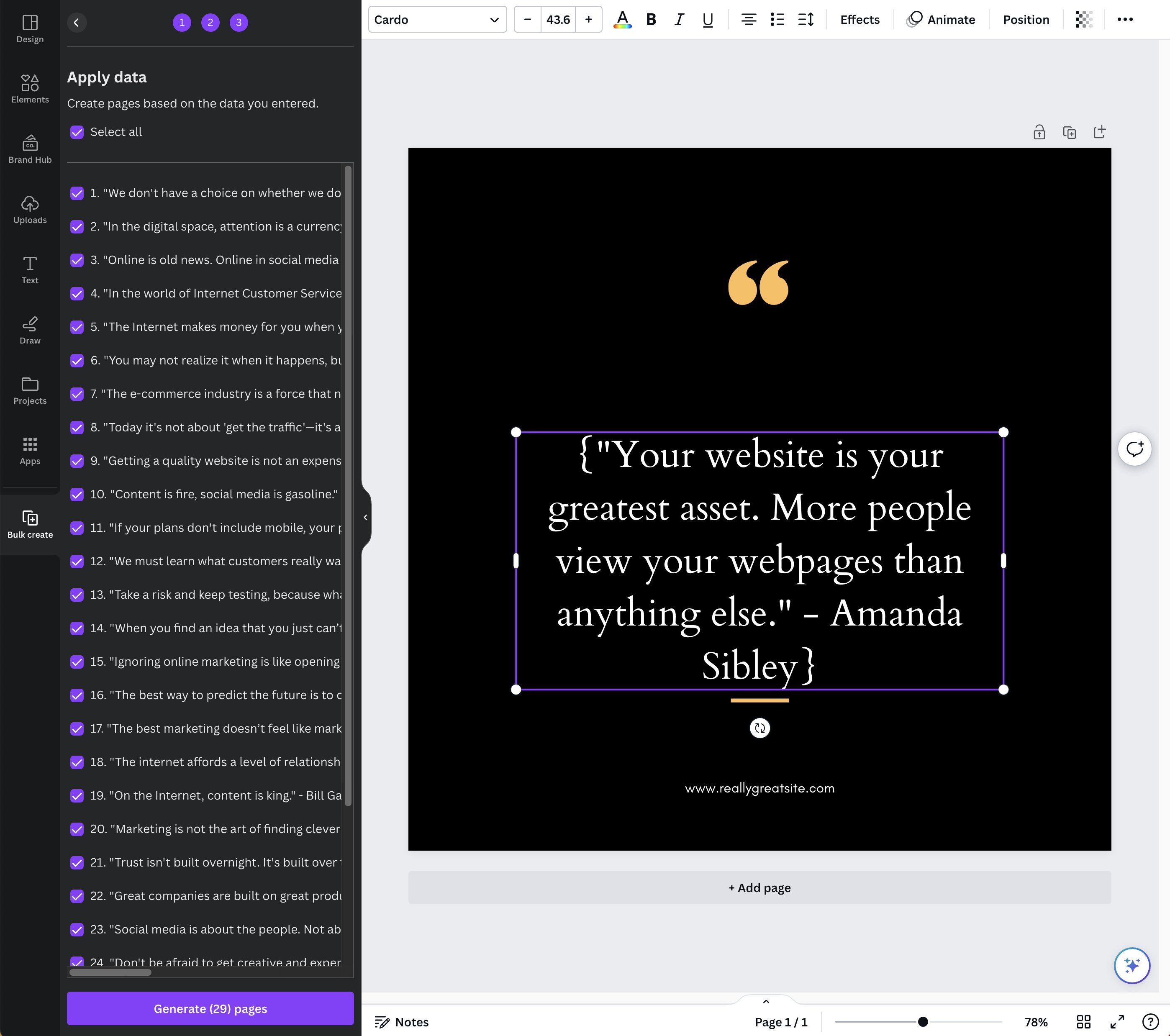
Once you have your template open, head to Apps > Bulk create and upload your CSV file.
4/ Connect your data to the template
Click on the text you want to programmatically update, then click the three dots, choose Connect data, and select the example row from your CSV.
5/ Generate images in bulk
When you click Continue, you'll see the list of images to be generated from the dataset.
6/ Download the images
Click Share in the top right and choose Download. You'll get a zip with all of the images.
7/ Use them on your programmatic SEO site or social media 🔥
Enhance the user experience of your pSEO content site or schedule them to be published on social media.
Let me know if you've used the Bulk create features in Canva and if you have any advanced tips to throw my way!